
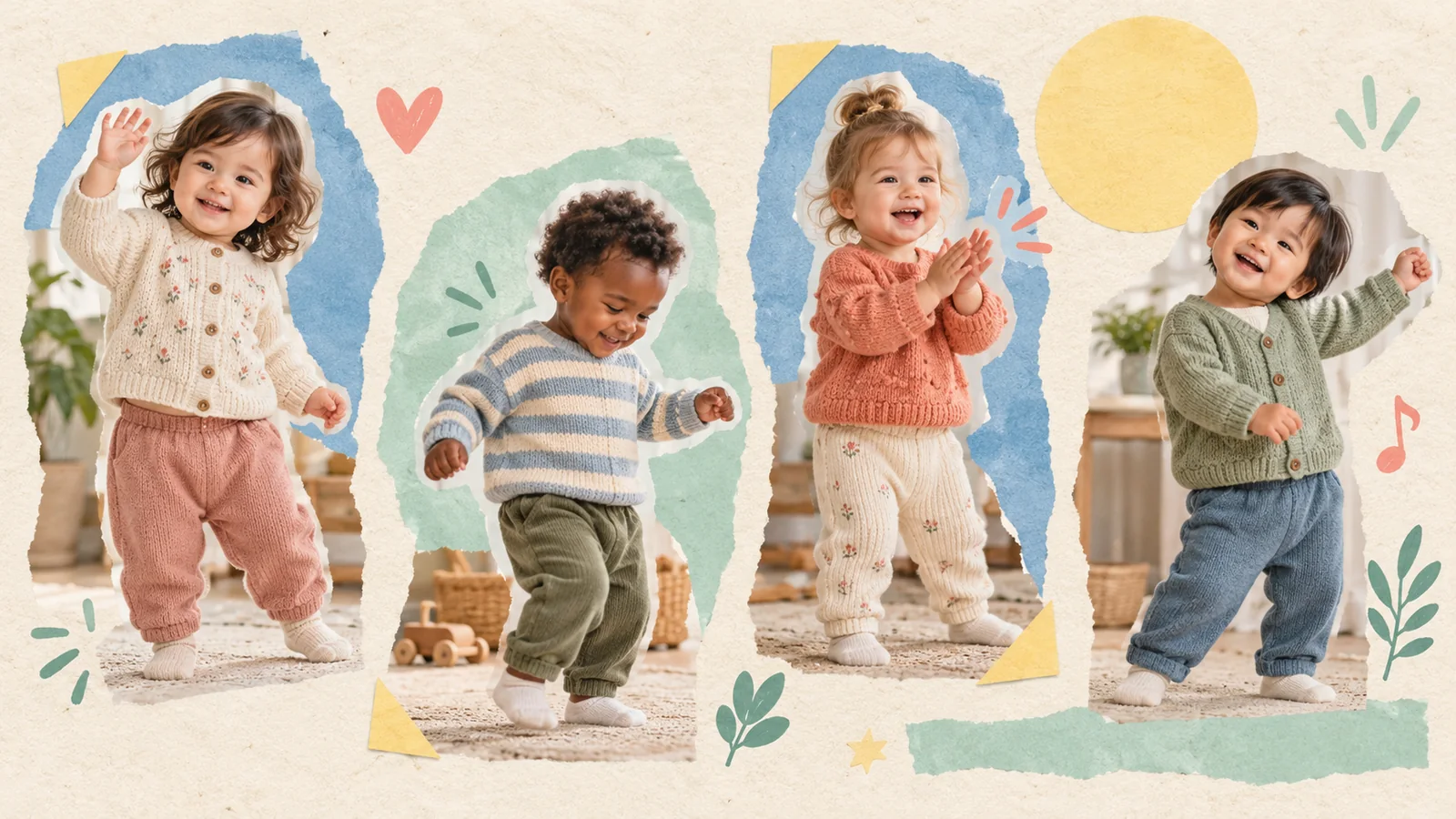
AI-generated editorial illustration, not a real customer photograph or proof of product results.
A good AI baby dance idea gives the movement a reason to exist. It might greet a grandparent, brighten a birthday message, or make a family photograph enjoyable in a new way. You do not need complicated choreography to achieve that.
These eight directions are prompts for your own creative planning, not a list of guaranteed templates or one-click effects. Use the motion references and controls currently available in BabyDance, then choose material that matches the idea. Each concept works best when you keep the face readable and the movement modest.
1. A little wave for someone far away
Build a greeting around a small hand wave and a familiar expression. Choose a photo where the face and shoulder area are clear, then look for a reference that does not hide the face behind the moving hand.
The message can be for one specific relative rather than a broad audience. If you add words afterward, a short greeting with the sender and occasion gives the recipient useful context. Keep the generated nature of the movement clear when the clip is forwarded.
2. A gentle side-to-side sway
A slow sway can make a calm photograph feel playful without turning it into an energetic routine. Favor a stable reference with a readable body outline and enough space around the subject for the movement.
This is a useful first comparison when a fast dance produces distracting changes. Watch the edges of the outfit and the background throughout the clip. A simple idea still needs a complete review; slow movement does not automatically prevent artifacts.
3. A cheerful small-step entrance
Imagine the clip as a tiny introduction to a family message. A small step and a balanced pose can provide a clear beginning without requiring the subject to cross the entire frame.
Choose a photo with useful clothing and body information, and avoid a reference that begins with the subject already cropped or hidden. If you plan to combine the result with other footage, leave room for a clean transition before adding your own editing.
4. A clap-and-smile celebration
A short clapping movement can suggest celebration. It also gives you a specific feature to review: the hands as they approach and separate. Keep the camera steady and avoid references where the arms repeatedly cross the face.
If the hands become distracting, switch to a smaller gesture instead of repeatedly demanding the same difficult sequence. The purpose is a cheerful greeting, and another motion may communicate that just as clearly.
5. A birthday sway with a separate message
Use a happy but modest movement as the opening to a birthday greeting. Keep practical information, such as a party time or location, in a separate message or an added title card you can revise independently.
A familiar outfit can make the result feel connected to the occasion without adding visual clutter. Our birthday video guide explains how to plan the photograph, movement, message, and final review as separate decisions.
6. A seasonal family hello
Choose an existing photo with clothing or surroundings that already suggest the season, then pair it with a gentle reference. The source photograph can do much of the storytelling; the motion does not have to imitate a complicated holiday performance.
Avoid assuming that the generator will reliably add specific decorations that are not in your inputs. Work with the material you have, and use any later editing intentionally. A short seasonal greeting can feel complete with a simple movement and one clear message.
7. A matching pair from two different moments
Make two separate clips using photographs from different occasions and the same suitable reference. Keep the projects distinct, then compare how the familiar movement feels with each photograph. This can become a small family-album sequence if you later choose to edit them together.
Do not describe the pair as footage of actual milestones being performed. Label it as a creative photo animation, and preserve both original photographs. The connection between the real images can be meaningful even when the movement is imagined.
8. A quiet end-of-album greeting
Use a gentle wave or sway as the closing moment of a digital family album. Choose a reference with a comfortable ending, so the clip does not feel as though it stops halfway through an action.
Think about the setting in which the album will be watched. A calm ending may suit the collection better than an attention-grabbing routine. Keep the final crop and any sound consistent with the surrounding photos or footage.
Choose one idea and test it deliberately
Begin with a clear photo, read the current settings and credit information, and make a first version in the BabyDance generator. Review the face, hands, clothes, and framing before deciding what to adjust.
If you need help selecting the inputs, read our photo guide and motion-reference guide. A good idea is one you can describe simply and judge honestly. It should serve the family moment you want to create, rather than make the clip more complicated for its own sake.