
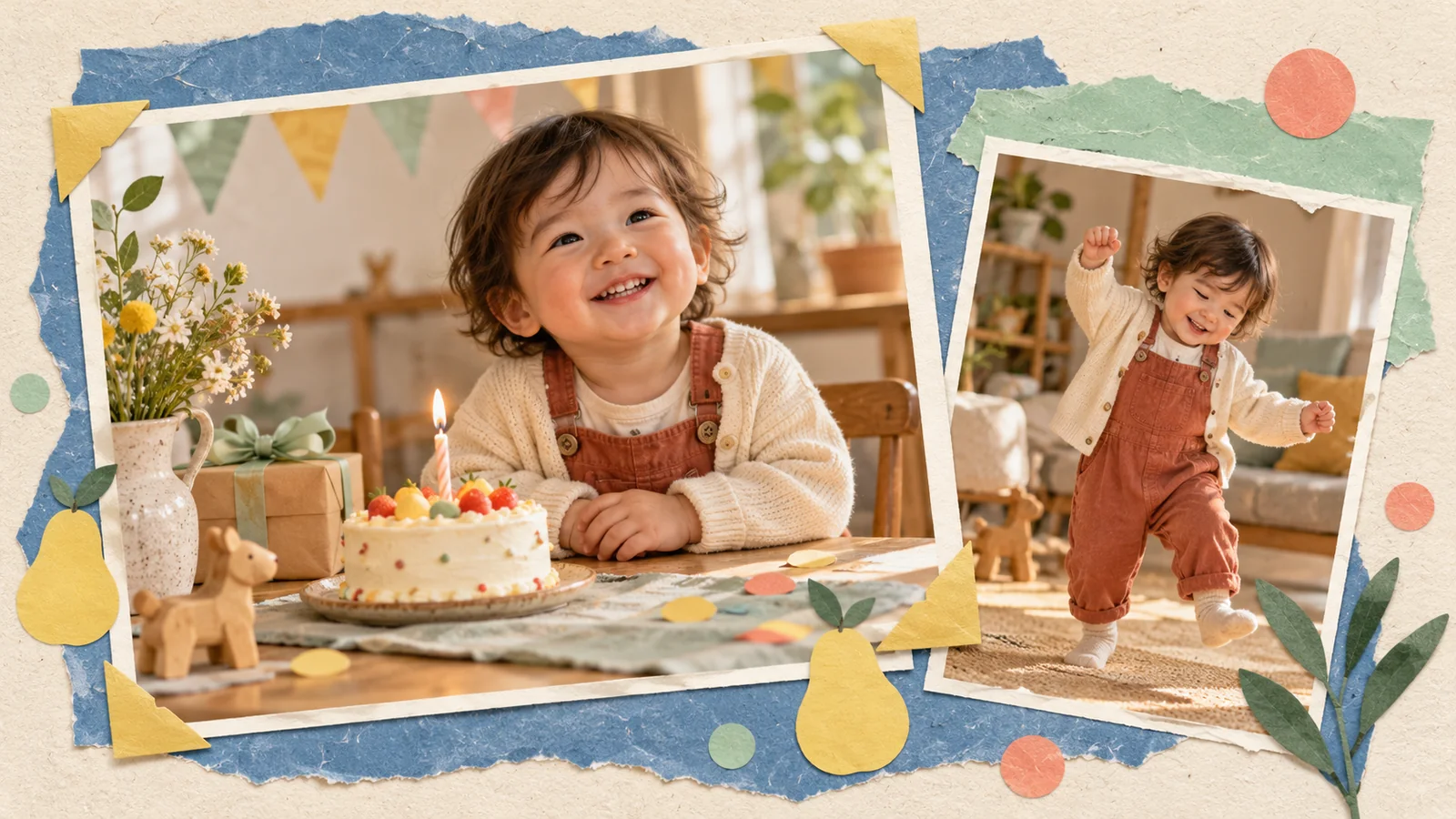
AI-generated editorial illustration, not a real customer photograph or proof of product results.
A birthday video does not need an elaborate story to feel personal. A familiar photograph, a cheerful movement, and a short message can be enough to make relatives smile. The most useful creative decision is usually deciding what the video should say before deciding how busy it should look.
An AI baby dance clip can be one part of that greeting. BabyDance lets you work with a photograph and motion reference, then review the generated result before sharing it. Here is a practical way to turn that process into a birthday keepsake rather than another clip that gets lost in a chat.
Give the greeting one purpose
Decide whether you are making a party invitation, a birthday-day message, or a memory to save afterward. Those are different jobs. An invitation needs clear practical information; a greeting needs a warm moment; a keepsake benefits from context you will still understand in a year.
Keep the AI dance focused on one of those jobs. A brief celebratory movement can introduce a message without carrying every detail itself. If you are combining it with a separate title card or a family recording later, plan that arrangement before generating the clip.
Pick a photo the family recognizes
Choose a photo with a clear face and an outfit that already belongs to the occasion or the child's everyday life. Familiarity is often more meaningful than a heavily decorated scene. A simple photograph can carry the greeting when relatives immediately recognize the expression.
Inspect the background before uploading. Party decorations can be charming, but addresses, invitations, or names on nearby objects may reveal more than you intend. Use a copy of the original for any careful crop, and keep the untouched source in your photo collection. Our photo guide helps with the technical checks.
Choose celebration without unnecessary complexity
A little wave, gentle sway, or small step can communicate a birthday mood. You do not need the fastest reference in the library. Avoid letting the movement overpower the expression that makes the photograph special.
Review the reference all the way through. Look for a steady camera, a visible subject, and movement that remains inside the frame. Large spins and crossing arms can make facial or clothing changes harder to ignore. A simpler reference also makes it easier to decide whether the generated clip fits the gentle tone of a family greeting.
Make the first version before adding extras
Open the BabyDance video generator, choose the applicable motion-reference workflow, and review the controls shown for the current model. Confirm any credit estimate and duration information before generating. Start with a straightforward version that tests the photo and movement together.
Watch that version before planning further changes. If the core clip does not resemble the source photo well enough, more decoration will not solve the underlying issue. Keep one useful review question in mind, such as whether the face stays recognizable during the wave. Fix that first.
Add a message that will still make sense later
If you edit the downloaded clip into a larger greeting, keep the wording simple and specific to the occasion. You might add the birthday year, the sender, or a short family wish. Avoid making the generated scene carry a claim about what the child actually did.
For an invitation, keep logistical information in a separate, readable message rather than depending on text within a moving video. That makes it easier to correct a time or venue without recreating the entire piece. For a keepsake, a date and a note about the original photo can be more valuable than a long caption.
Review what the recipient will actually receive
Open the final exported file, not just a project preview. Check the beginning, ending, sound, watermark, and crop. Make sure the greeting does not stop midway through a gesture or leave the face uncomfortably close to the edge.
If sound is included, consider whether it belongs in this particular message and whether you are entitled to share it. A birthday clip does not have to include a recognizable commercial song to feel celebratory. A separate spoken greeting from a family member can be meaningful when you choose to add one yourself.
Save both the real memory and the imagined version
Store the original photograph alongside the generated clip and any final edited greeting. Label the generated version clearly so that it will not be mistaken for a recording of a real performance when someone finds it later.
Before posting publicly, consider whether a smaller family audience would better suit the occasion. You can read our thoughtful sharing guide for a simple review checklist. Then make a first version in BabyDance and keep the creative goal modest: a recognizable little moment that feels like it belongs to your family.