
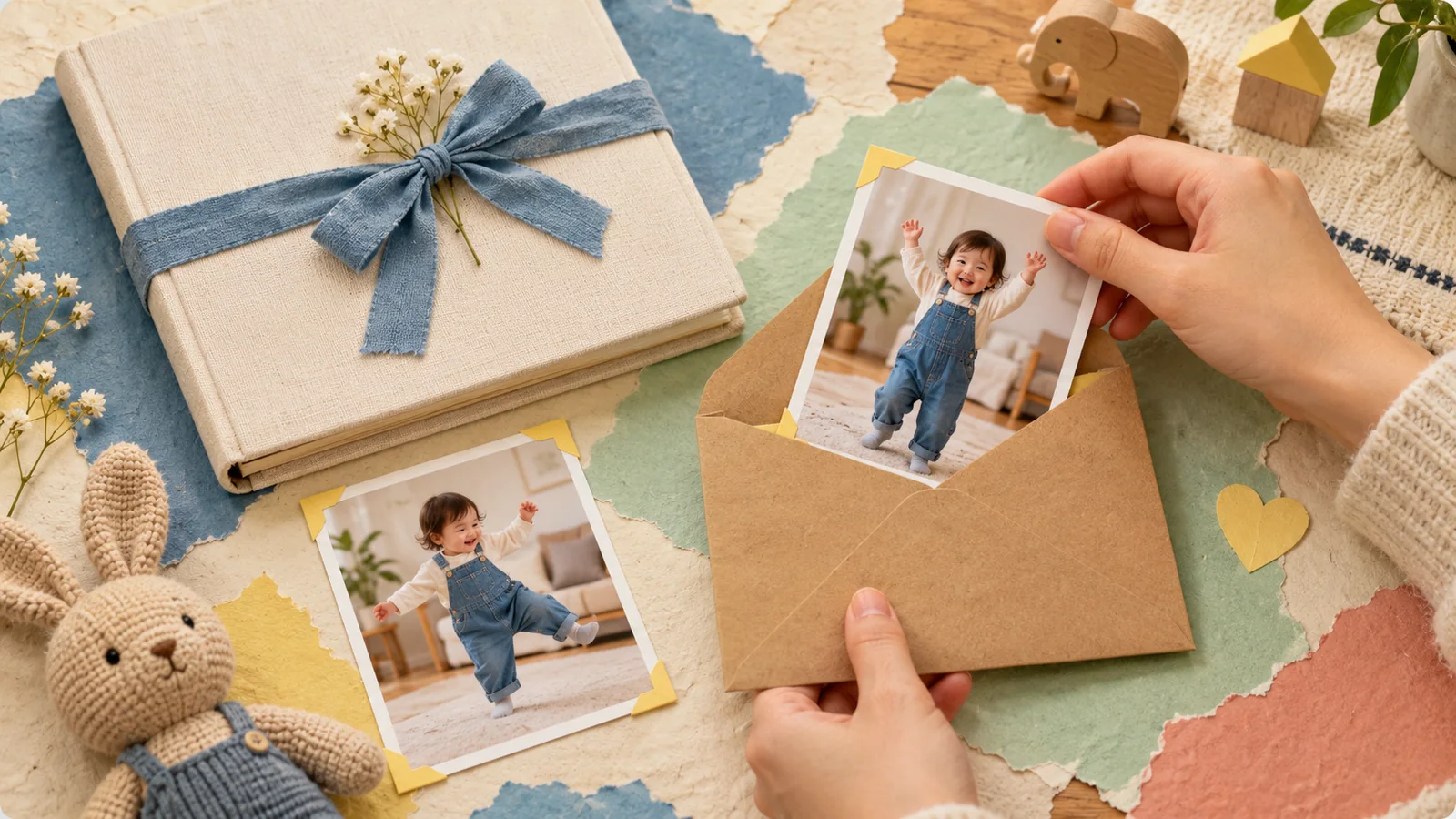
AI-generated editorial illustration, not a real customer photograph or proof of product results.
Finishing a cute AI baby dance clip often creates an immediate urge to send it to everyone. Taking one more moment to choose the audience can make the result more comfortable to share. A video meant for grandparents does not automatically need to become a public post.
BabyDance-generated videos are private by default unless you choose to publish them to the showcase. That product behavior is a starting point, not a complete plan for what happens after a file is downloaded or forwarded. The following checks focus on the decisions you can make around the finished clip.
Decide who the video is actually for
Name the audience before choosing a sharing channel. Is the clip a message to one relative, a birthday greeting for a family group, or something you deliberately want a public audience to see? Each choice calls for a different amount of context.
A smaller audience can be the best fit for a personal family moment. You do not have to publish a generated video just because the result looks polished. If other adults are involved in decisions about the child's photos, agree on the intended audience before sending the clip onward.
Check the source photo for extra information
A photograph can reveal details beyond the child's appearance. Look at clothing, visible documents, signs, badges, and recognizable locations. Consider whether those details belong in the version you plan to share.
Use a copy for any crop or edit, and keep the original separately. Avoid cutting away so much useful image information that the photo becomes a poor input for the generator. Our photo selection guide can help you balance a clear subject with a considered composition.
Explain that the movement is generated
An AI dance clip is an imagined scene made from a photograph and reference. It is not a recording of a child performing that routine. A short, ordinary caption can make that distinction clear without spoiling the fun.
The explanation matters most when the file reaches someone who did not see how it was made. Relatives may understand the context immediately, while a wider audience may not. Do not depend on everyone recognizing a watermark or knowing which tool was used. Describe the generated element directly when it is relevant.
Treat a published showcase as a separate decision
Choosing to publish a video to a showcase is different from keeping it within your account or downloading it for family use. Read the current interface before selecting a publish action, and make that choice deliberately.
Think about whether the clip was created for public viewing in the first place. A funny greeting with a very personal caption may suit a small group better. You can enjoy creating a video without turning it into a public example. Avoid assuming that a private account setting controls copies that have already left the service.
Review the final file, including sound
Open the exact version you intend to send. Check the crop, the full movement, any added text, the watermark, and the audio. An early preview and a final edited export may not contain the same material.
If you added music, a spoken message, or other footage, consider those elements individually. A reference video's availability does not automatically grant permission to reuse its sound or include another person's recording in your finished work. Keep your sources organized so you can remember what each final version contains.
Make your expectations about forwarding clear
If you want a video to stay in a family chat, say so when you send it. A clear request is more useful than assuming everyone shares the same understanding of a private moment. Be especially thoughtful when a recipient is likely to repost family clips publicly.
You cannot guarantee that a downloaded file will never be copied or recorded. Short previews, watermarking, and access controls can reduce some kinds of casual reuse, but they do not create absolute control over every viewer's device. Choose the audience with that practical limit in mind.
Keep a clear record and stop when it feels right
Save the original photo, the generated clip you selected, and the version you actually shared as separate files. A brief note about the audience and occasion can help you understand the project later. Label AI-generated versions clearly so that a future viewer does not mistake them for original footage.
If a result or sharing plan makes you uncomfortable, keep the project private or choose another photo. There is no obligation to post. For a new creation, start with our first-video walkthrough, then return to this checklist before sending it. The point is a family moment that is enjoyable to make and comfortable to share.