
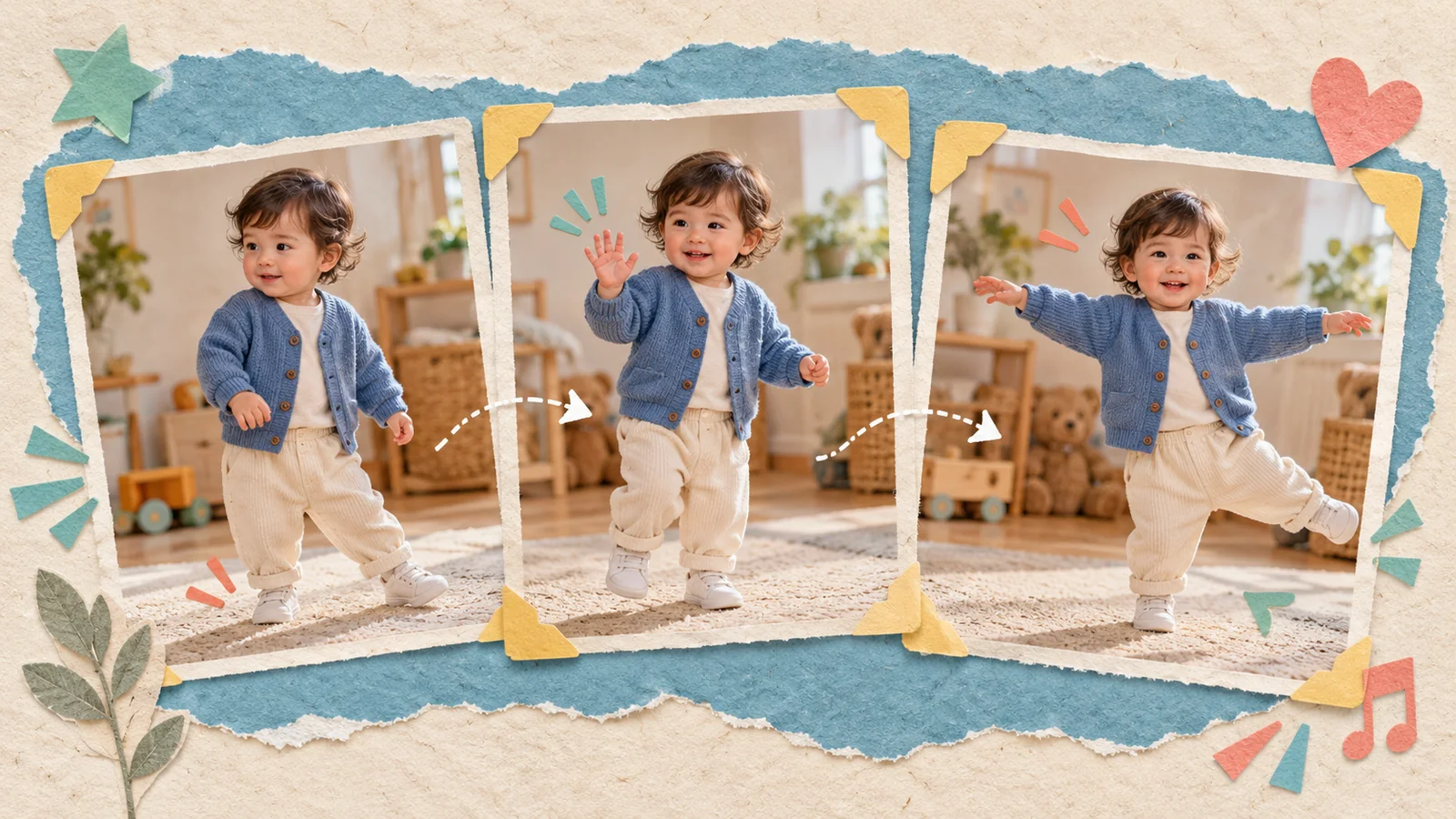
AI-generated editorial illustration, not a real customer photograph or proof of product results.
The motion reference gives an AI baby dance video its rhythm and direction. A clear photograph helps describe the child, while the reference suggests how the scene should move. Choosing the two independently can lead to a mismatch: a close portrait paired with a fast full-body routine, for example.
A useful reference is one that suits your source photo and the clip you want to make. It does not have to contain the biggest movement or the most elaborate choreography. For many family projects, a readable wave or a small side-step is a stronger starting point.
Look for one clearly visible subject
Watch the reference once without thinking about style. Can you follow the same subject throughout the clip? Are the body and limbs easy to distinguish from the background? A clear visual outline gives you a more understandable movement to work with.
Avoid starting with a crowded scene where several people overlap. A routine can be easy for a human viewer to understand through context while still containing frequent occlusion. If the main subject disappears behind another person or leaves the frame, you have less continuity to evaluate in the generated result.
Prefer a camera that lets the movement breathe
A steady camera makes it easier to see what the dancer is doing. Rapid zooms, sweeping camera moves, and repeated cuts introduce changes beyond the dance itself. For a first project, those extra changes make it harder to work out why an output feels unstable.
Check the full frame, including the edges. A raised hand that disappears outside the source video or feet that are cropped away throughout the routine can limit your ability to judge the intended motion. A simple reference with visible movement is often more useful than a dramatic edit with missing details.
Match movement intensity to your idea
Choose motion for the emotion you want to communicate. A greeting can use a little wave. A playful family clip might suit a gentle sway. A birthday message can feel celebratory without requiring fast turns or difficult poses.
Large rotations, crossing limbs, and sudden changes in direction create more opportunities for visible artifacts. That does not mean every energetic reference will fail, or that a calm one guarantees success. It means a modest first reference gives you a clearer baseline. You can increase the complexity once you know how your chosen photo behaves.
Consider the relationship between photo and reference
Compare the subject's scale and visible body areas in the two inputs. If the photograph is cropped tightly at the shoulders and the reference involves full-body movement, recognize that the system must interpret information that is not shown in your photo.
Choose an image with a clear outfit and usable framing where possible. Avoid assuming that matching colors or backgrounds will solve every issue. The more helpful question is whether both inputs communicate one readable subject. Our photo selection guide explains how to check the image side of the pairing.
Review duration and the current interface
Before generating, read the duration and credit information displayed in BabyDance. Do not assume that the length of the uploaded file, the preview length, and the final output are identical. The current workflow may apply its own limits or options.
Use the amount of movement needed for the idea. Extending a clip simply because more footage is available can make review harder and may affect the resources required. A concise reference is especially useful when you are comparing several possible styles. Focus on an intentional beginning and ending rather than collecting every available moment.
Use material you can legitimately work with
Choose a reference you recorded, one supplied for the workflow, or another clip you have permission to use for your intended purpose. Being able to watch a video online does not establish permission to incorporate it into a new creation.
Also consider the sound separately from the visual motion. The reference may help describe a dance without giving you permission to reuse its soundtrack. If you plan to share a finished clip outside the family, check the material you actually include. Keep your own source notes so you can remember where each project began.
Make a small reference comparison
Select two possible references with noticeably different movement, then keep the photo consistent while reviewing the outputs. Compare the face during turns, the outline of raised arms, the stability of clothing, and the final framing. Look for differences you can describe rather than a vague sense that one feels more impressive.
A good reference serves the photograph and the audience together. It makes the child recognizable, the action readable, and the finished clip appropriate for its purpose. Explore the BabyDance generator, then use our result review guide to decide what deserves another attempt.