
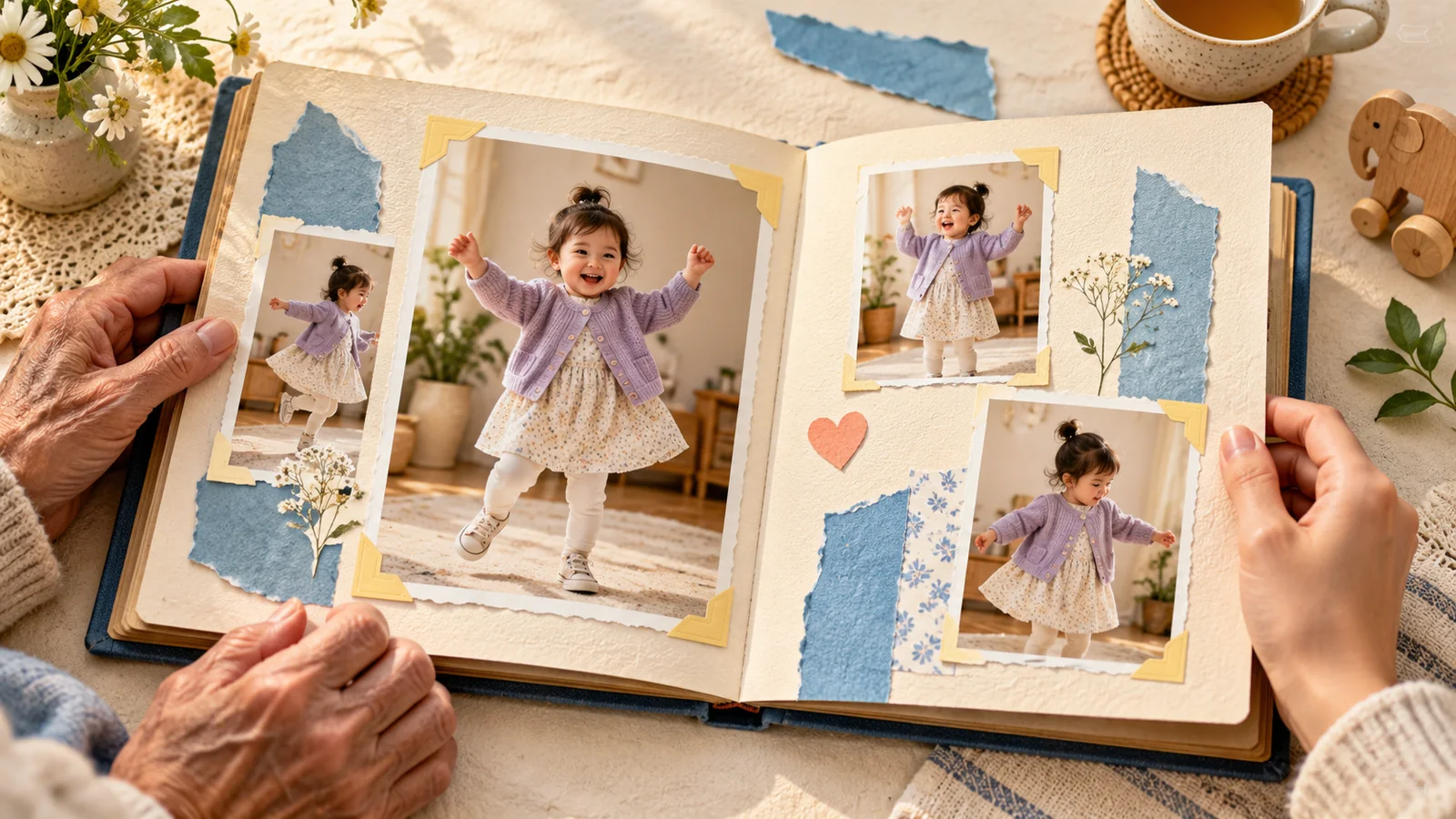
AI-generated editorial illustration, not a real customer photograph or proof of product results.
A family keepsake is useful because it helps someone remember a particular moment. The date, the expression, the tiny outfit, and the people who recognize the photograph give it meaning. Adding AI movement can make that moment enjoyable in a new form, but the original photo remains the real record.
BabyDance can help you make an imagined dance from a photograph and a reference. The most thoughtful approach is to treat that output as a creative companion to the original, not a replacement. A little planning makes the finished clip easier to understand, find, and enjoy later.
Start with a photograph that has a story
Choose a photo you can describe in an ordinary sentence. Perhaps it was taken during a visit, before a family meal, or on the day a favorite cardigan finally fitted. You do not need an extraordinary occasion. A familiar everyday detail can matter more to relatives than a polished setting.
Write down that context while you remember it. The generator does not know why a particular expression or outfit matters to your family. A short note saved beside the source file can preserve information that no visual effect will recover later.
Let the movement support the memory
Select a reference that complements the mood of the photograph. A quiet smile might suit a small wave or gentle sway. If the photo feels calm, a fast routine can pull attention away from what made you choose it.
Look for movement that keeps the face visible and the body easy to read. You are making something to revisit, not necessarily something designed to compete for attention in a feed. A modest clip that feels familiar can be more satisfying than an ambitious result with distracting distortions.
Keep the first version simple
Open the video generator, select the relevant workflow, and review the settings and credit information currently displayed. Begin with one source photo and one motion reference. The purpose of the first version is to test whether those ingredients produce a result worth keeping.
Watch the entire output and compare it with the photo. Does the expression remain recognizable? Does the outfit stay reasonably consistent? If a particular turn looks strange, try a calmer reference before introducing additional edits. Our result review guide can help you make that decision systematically.
Preserve the original as its own file
Keep the original photograph in a separate folder from generated and edited versions. Do not overwrite it with a crop or a screenshot taken from the video. The source photo contains the actual moment, while the AI clip contains an interpretation made afterward.
Use filenames that distinguish the versions clearly. For example, include the occasion or date, then a simple label for original photo, generated clip, or final greeting. The exact naming system matters less than being able to tell those files apart without opening each one.
Add context for future viewers
A short text note can explain when the original photo was taken, why it was selected, and when the AI version was created. If you add a caption to a larger edited keepsake, keep those two dates distinct. A future viewer should not need to guess whether the dance was really filmed at the time.
Think about what a relative who was not there would need to know. One sentence about the occasion and an honest description of the generated element may be enough. Avoid inventing a story that seems to be demonstrated by the animation.
Choose a version that works beyond one device
Open the exported file on the device you expect relatives to use. Check that the face remains clear, the crop includes the movement, and any added message is readable. A composition that looks comfortable on a desktop may feel tighter on a small screen.
Listen to the final sound as well, if there is any. A clip that will be revisited quietly in an album does not need the same presentation as a party message. Keep a finished copy of the version you actually shared, rather than relying on an unfinished editing project as the only saved result.
Share a memory with a clear boundary
Decide whether the keepsake belongs in a family chat, a private album, or a public post. Those audiences do not need the same amount of personal context. Let relatives know if you would prefer that the file stay within the family.
Keep the generated nature of the clip clear whenever it is shared onward. Our sharing guide offers practical checks without assuming that one setting makes every form of sharing private. When you are ready, create a gentle first clip and save it beside the photograph that gave it meaning. The animation is an extra way to enjoy the memory, not the memory itself.